

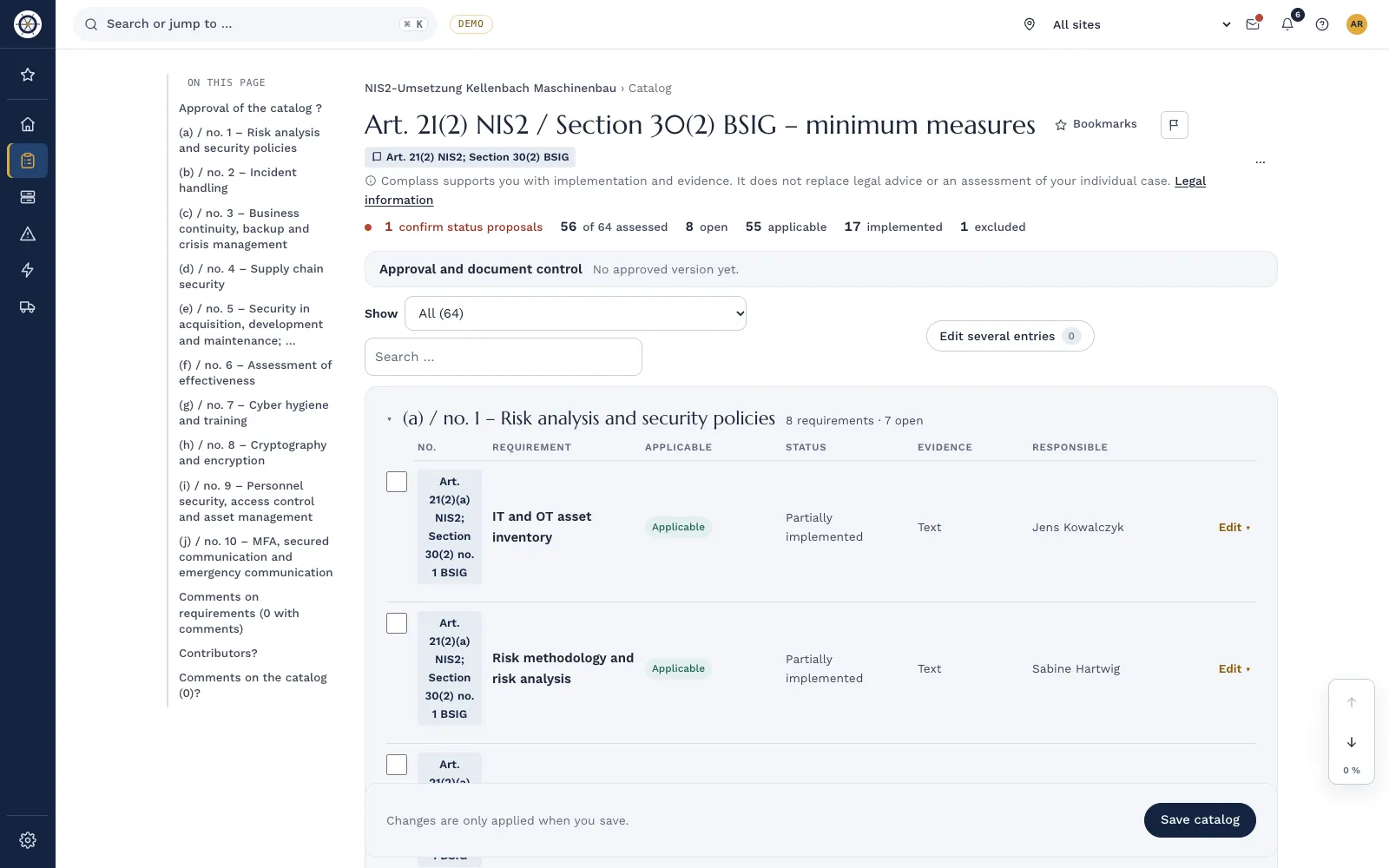
This guide shows what the law and the Implementing Regulation require, how to roll out MFA in a sensible order and how to handle plants where MFA is not feasible. The examples are invented.
What the law and the regulation require
- BSIG: § 30(2) no. 9 BSIG names policies for human resources security, access control and the management of ICT systems, products and processes. No. 10 names multi-factor or continuous authentication solutions, secured voice, video and text communication and, where appropriate, secured emergency communication systems within the entity.
- Proportionality and evidence: Under § 30(1) BSIG the measures must be appropriate, proportionate and effective. The yardsticks include risk exposure, the size of the entity and the cost of implementation. You must document compliance.
- Management: Under § 38(1) BSIG, management implements the measures and oversees their implementation.
- Implementing Regulation (EU) 2024/2690: No. 11 of its Annex sets out access control in detail, no. 12 asset management. The regulation is binding only for certain digital services, such as cloud and data center providers, managed service providers and managed security service providers. Under § 30(3) BSIG it takes precedence for these types of entity. For industrial companies it is not an obligation, but a good guide to what "appropriate" can mean. The EU agency ENISA has published technical implementation guidance on it.
- Further orientation: The BSI IT-Grundschutz Compendium covers the topic in module ORP.4 "Identity and access management". Annex A of ISO/IEC 27001 contains controls on access control, identity management, authentication information and access rights (A.5.15 to A.5.18).
No. 11 of the Annex covers seven topics: policy, management of access rights, privileged accounts, administration systems, identification, authentication and MFA. The building blocks below follow that structure.
Six building blocks of access control
- Access policy. Set out who may access what, logically and physically. The principles are need-to-know, need-to-use and segregation of duties. The policy covers staff, visitors and service providers.
- Joiners, movers, leavers. Rights start with an approved request, change when someone moves departments and end when they leave. The move is the most common gap: new rights are added, old ones stay.
- Privileged accounts. Administrators work with separate admin accounts and separate credentials, not with their everyday account. Keep admin rights as narrow as possible.
- Shared, technical and emergency accounts. Shared accounts exist only with a reason, approval and documentation. Service accounts have an owner. Emergency (break-glass) accounts are sealed, and every use is followed up.
- Access reviews. Review rights at planned intervals and after organizational changes. Record the result, including the rights you removed.
- Authentication and MFA. The strength of sign-in matches the protection needs of the system. Idle sessions end, and accounts lock after failed attempts.
For service providers, also limit rights in scope and duration. The guide on OT remote access covers supplier access in detail.
Rolling out MFA in a sensible order
Not everything at once: start where a stolen password does the most damage.
| Access | Order | Typical solution | What to watch |
|---|---|---|---|
| Remote access (VPN, remote desktop) | First | MFA at the VPN or gateway | Include service provider access |
| Administrator accounts | First | Separate admin accounts with MFA, phishing-resistant methods | Emergency account with its own procedure |
| Email and cloud services | Early | MFA in the identity service, legacy protocols off | Document exceptions for service accounts |
| Supplier remote maintenance | Early | Jump server with MFA and approval per session | Personal accounts instead of a shared login |
| Office workstations | Next | Sign-in with Windows Hello, smart card or token | Recovery when a factor is lost |
| OT operator stations (HMI) | After review | Often not feasible, then compensate | Safety and availability come first |
For administrator and remote access, phishing-resistant methods such as FIDO2 security keys are the stronger choice compared with codes by text message. Plan from the start how someone who lost a factor can get back to work without the help desk becoming a back door.
When MFA does not work in OT
At an operator station in shift operation, the operator must be able to act at once. Older controllers often have no user management at all. The regulation asks for MFA "where appropriate" and in line with protection needs (Annex no. 11.7). The BSIG asks for proportionate measures. An exception is therefore possible, but only with a reason and compensation:
- MFA at the boundary, not on the device: Anyone entering the cell from outside or from the office network signs in with MFA at the jump server.
- Physical protection: Control room and cabinets are locked, and entry is managed.
- Separate rights: Operate only at the HMI. Programming only at the engineering station with a personal account.
- Manage shared accounts: A shift account has a reason, approval and documentation. The shift schedule shows who was on duty.
- Logging: Sign-ins and changes to controller programs are logged.
- Time limit: Every exception has an end date and is reassessed at the next retrofit.
IEC 62443-3-3 covers identification and authentication in its first foundational requirement (FR 1). The guide on IEC 62443-3-3 shows how to apply it per zone.
Example from industry
The example is invented. A manufacturer of plastics parts for the automotive industry with 420 employees is an important entity. Starting point: VPN with a password, administrators work with their everyday account, and the injection molding machines have one shift account per hall.
- Months 1 to 2: MFA for VPN, email and cloud services. Seven administrators get separate admin accounts with security keys.
- Month 3: The first access review finds 14 active accounts of former employees and two service accounts without an owner. Since then, "Accounts locked in all systems" is on every leaver checklist.
- Month 4: The shift accounts get a documented exception with compensation: access to the production zone only through a jump server with MFA, the hall with access control, program changes only with a personal account. The exception runs for twelve months and is reassessed at the retrofit of line 2.
- Result: Management sees per system where MFA applies, where it does not and why.
Checklist
- The access policy is documented and also covers service providers.
- Rights are granted only on an approved request.
- Moves and departures remove old rights, with evidence.
- Administrators use separate admin accounts with MFA.
- Shared and service accounts have a reason and an owner.
- Emergency accounts are managed, and every use is followed up.
- Rights are reviewed at set intervals, and the result is documented.
- MFA covers remote access, admin accounts, email and cloud services.
- Every exception has a reason, compensating measures, approval and an end date.
Access control in Complass
If you keep rights in a spreadsheet and report leavers by email, you notice the gaps at the audit. In Complass you see them before:
- Joiners and leavers: Every joiner, mover and leaver runs as a checklist with owner, due date and evidence.
- Identities per system: For each IT or OT system you see the sign-in method, enforced MFA, MFA for privileged accounts and the privileged, shared, service and break-glass accounts. You import accounts from Microsoft Entra ID, Active Directory, Okta or a CSV file.
- Leavers with an account view: The leaver case shows which accounts of the person are still active in other systems.
- Access reviews: Reviewers decide per account whether to keep or remove it. Closing the review creates a PDF record as evidence.
- Exceptions: You record an exception with its reason, compensating measures and end date. A second person approves it.
Identities and access reviews come with the asset module or the add-on "Access reviews".
Frequently asked questions
Does Implementing Regulation 2024/2690 apply to us?
It is binding only if you are one of the digital services it names, such as cloud providers or managed service providers. For everyone else § 30 BSIG applies. The regulation still helps, because it shows what an audit may take "appropriate" to mean.
Is MFA mandatory for every account?
The law names MFA as a measure but requires proportionality. For remote access and administrator accounts you will hardly be able to justify an exception. Where MFA is technically not possible, document the exception and the compensation.
How often do we have to review access rights?
Neither the BSIG nor the regulation sets a fixed interval; the regulation speaks of planned intervals. Set intervals by risk, shorter for privileged accounts than for normal ones, and review again after reorganizations.
May we keep a shift account on the HMI?
Yes, if operations require it and you give a reason, approve it and document it. Combine it with physical protection, restricted rights and personal accounts for every change.
What does "secured communication" in no. 10 mean?
It means protected voice, video and text communication and, where appropriate, an emergency channel within the entity that still works when email and the phone system are down. The emergency channel is best planned as part of business continuity.
In a demo we show you with the demo company how leavers, access reviews and MFA coverage add up to evidence.
Request a demo Try it for 14 days
Read more
- Guide "Implementing NIS2: the step-by-step guide"
- Guide "Securing OT remote access: seven building blocks"
- Guide "Building an OT asset inventory in six steps"
- Guide "Business continuity under NIS2: BIA, plans and exercises"
- Whitepaper on NIS2
- NIS2 in Complass
Not legal advice. This guide gives a general overview and does not replace an assessment of the individual case. The current wording of the BSIG, Implementing Regulation (EU) 2024/2690 and your licensed editions of the standards are authoritative. As of November 2026.