

Funkcje
Fewer clicks. More done.
Deadlines in your own calendar, reports with one click, sign-in with Face ID: small functions that save your team time every day.
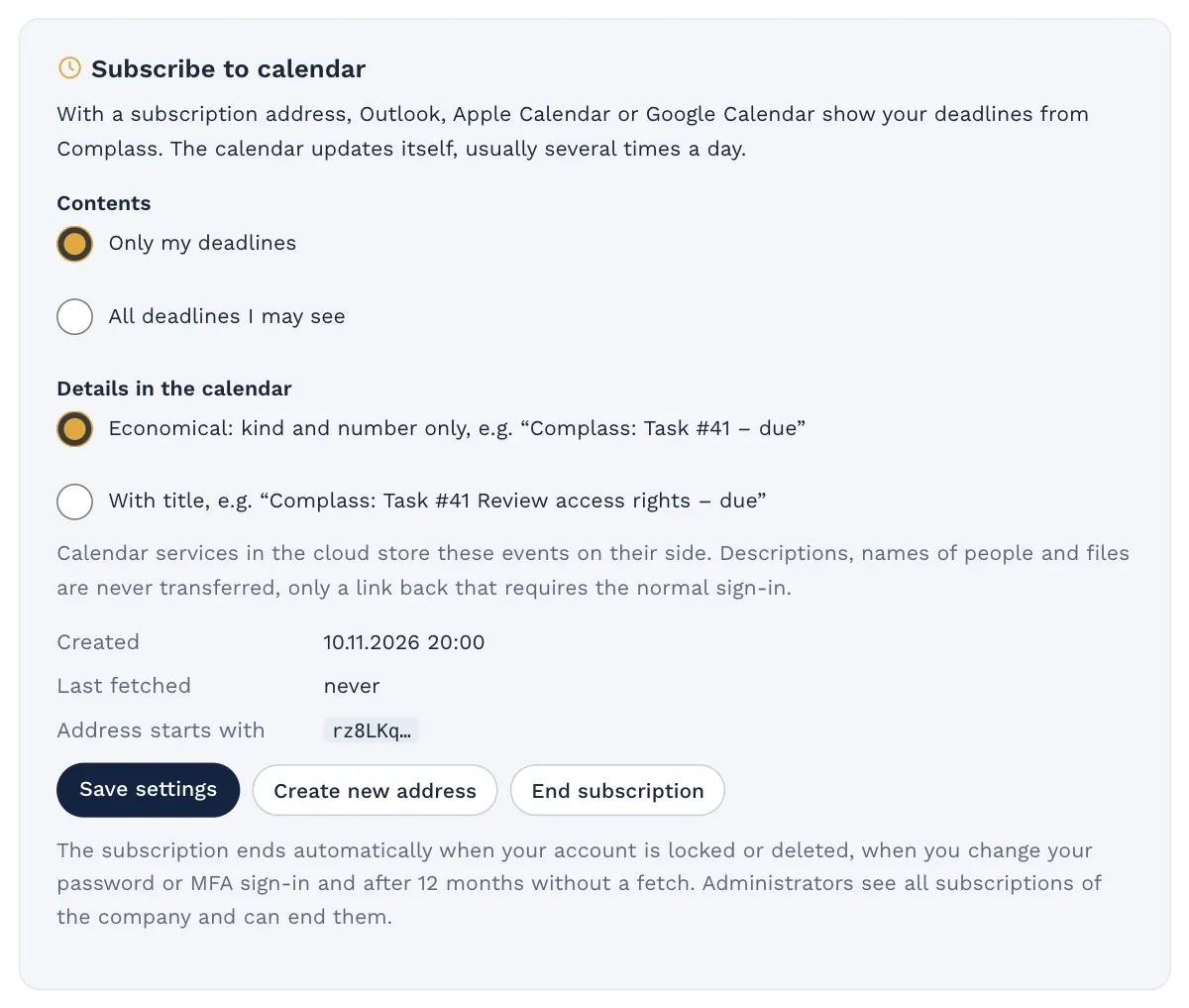
Complass on your home screen
No app store and no installation: you add Complass to your home screen from the browser and open it like an app.
One tap on the icon
Complass opens straight at the sign-in, on iPhone, on Android and on your computer.
Sign in with Face ID
With your passkey you sign in with Face ID, Touch ID or Windows Hello. No password, and still two factors.
Push notifications
Due tasks and mentions reach you on your phone, even when Complass is closed.
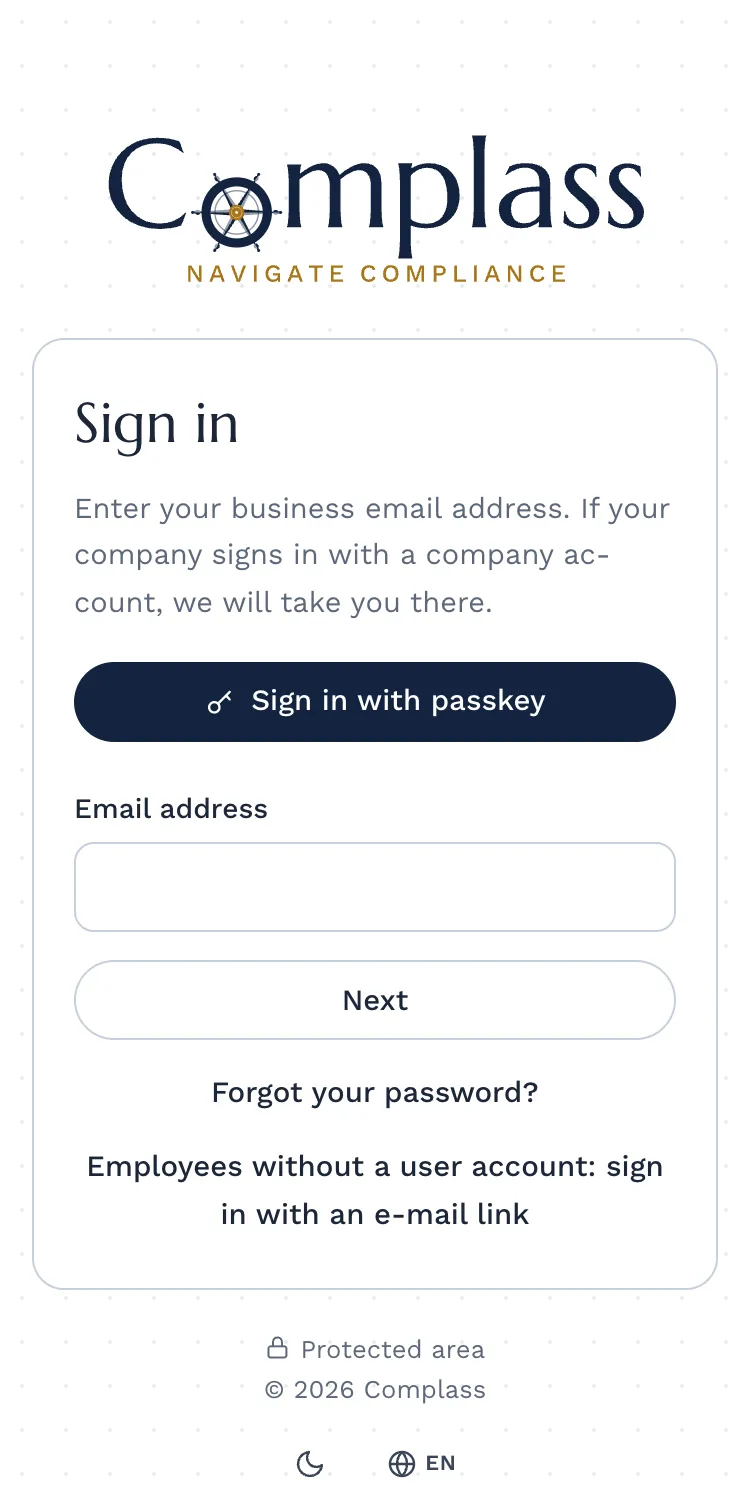
Your deadlines are where you already look.
Subscribe to the deadline calendar
One link, and tasks, reviews and training deadlines appear in Outlook, Google or Apple Calendar. If a deadline changes in Complass, the calendar follows.
Frugal with your data
The calendar shows only the kind and a short label, titles only if you choose so. When your access ends, the subscription ends too.
Reminders that arrive
By email, in the bell and, if you like, in your team’s Teams or Slack channel.
Alerts by SMS or call Add-on: SMS and voice alerting, see prices
For a reportable incident, a tight reporting deadline or an emergency, Complass calls or sends a text message. If nobody acknowledges, the alert goes to the deputy and then to management.
Cockpit email at your own pace
Management receives the status weekly, every two weeks, monthly or quarterly, as a notice, traffic light or full overview.
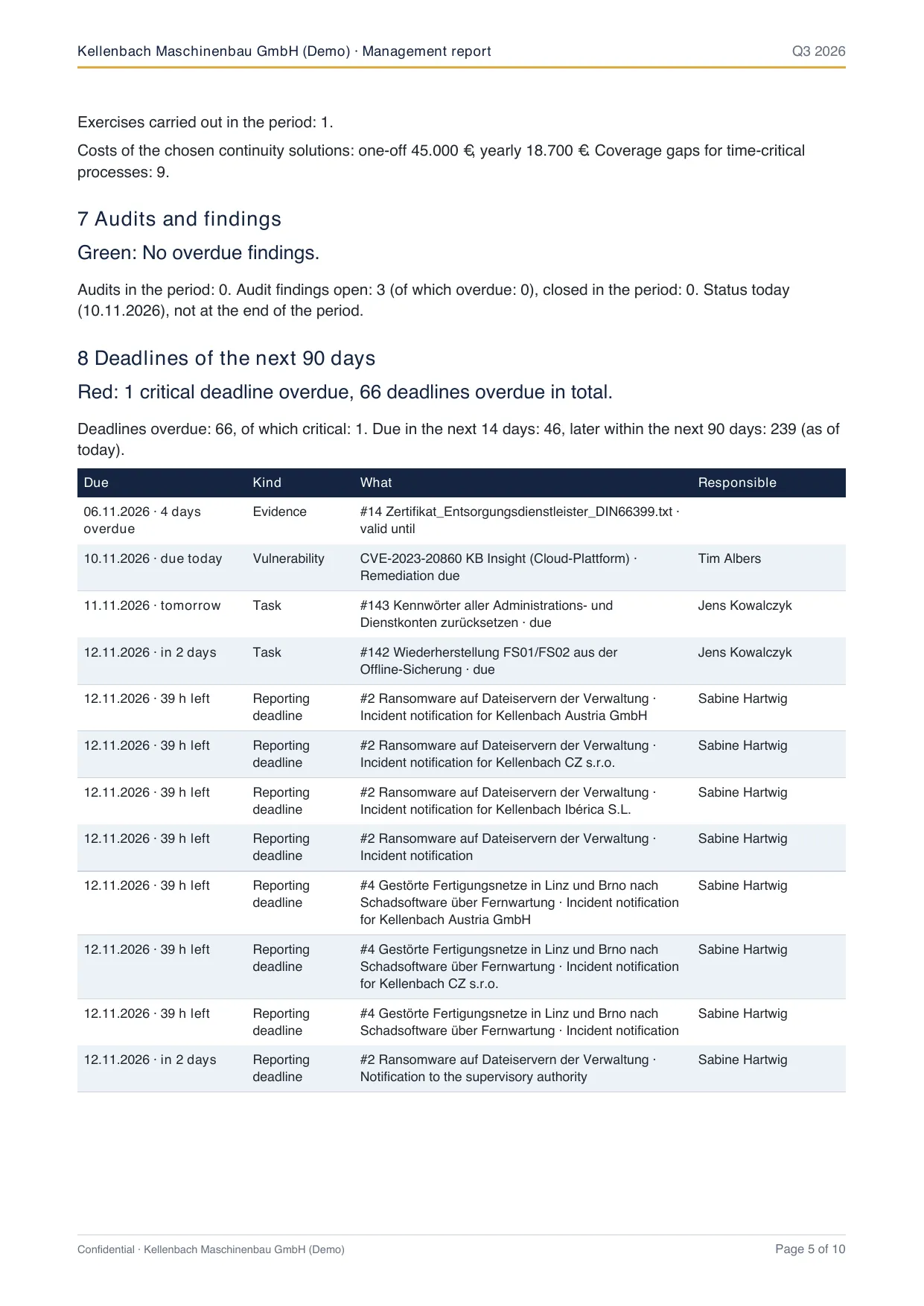
The report for management is one click.
As PDF, Excel and PowerPoint
You download the management report and the deadline overview in the format your meeting needs. You edit the PowerPoint slides like your own.
Critical deadlines first
The report shows what is overdue, what is next and how the status has developed since the last report.
One number for the status
The compliance score on the start page counts fully only what is implemented and backed by valid evidence.
Agree in Complass instead of email rounds.
Comments with @mention
Right at the task, the document or the incident. You mark questions as resolved, files are attached to the comment.
Auditors work right in Complass
In the auditor portal, the auditor sees exactly what you release and asks questions there.
Write answers once
The answer library remembers your answers to customer questionnaires. With the next questionnaire, Complass suggests them.
Invite externals selectively
Bring the service provider into exactly one task: time-limited, with a second factor and for this object only.
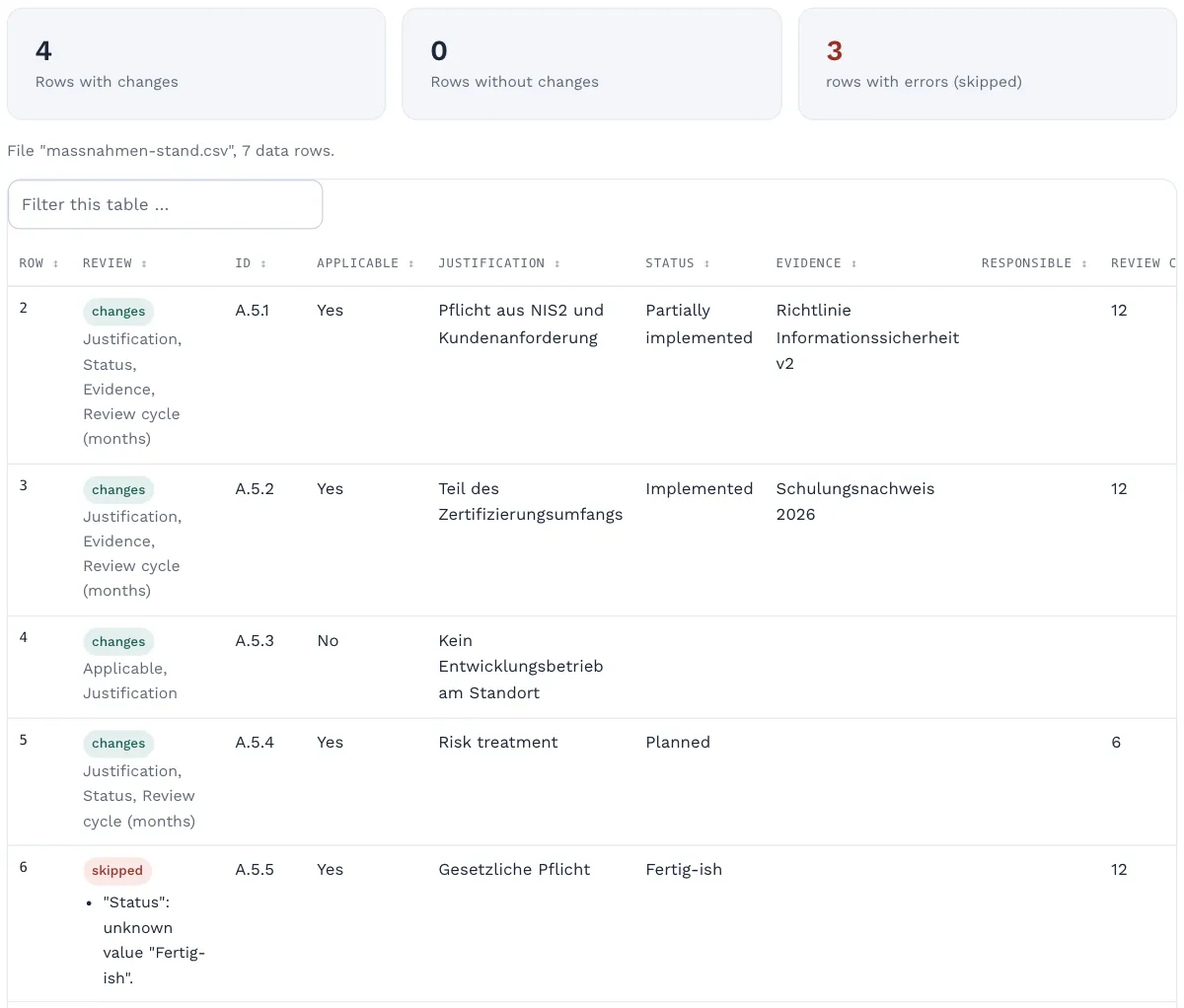
Your Excel list is imported within minutes.
Import from Excel or CSV
You take over measures with status, justification and owners, and your policy list, from a file. Beforehand you see what will change.
Find everything with Ctrl + K
The search jumps straight to pages, requirements and actions. Bookmarks and recently visited pages sit at the top of the sidebar.
Trash for 30 days
Deleted by mistake? You bring it back with one click.
A short tour on every page
New colleagues find their way around without a training session.
AI help and connectors take care of the rest.
AI help
Propozycje sformułowań ze źródłem z tekstu ustawy i wskazówek do wypełniania. Decyzja należy do użytkowników, nic nie jest przejmowane automatycznie.
To the AI help →
Konektory
Pull your inventory from NetBox, Intune, Lansweeper and other sources. Nobody retypes lists.
To the connectors →
Try it yourself: 14 days, no payment details.